
Seamless Scheduling: Mastering Appointment Booking in ServiceNow Employee Center
- SnowGeek Solutions
- 7 days ago
- 5 min read

In the modern workplace, time is the ultimate currency. I have witnessed firsthand how organizations struggle with fragmented scheduling systems that frustrate employees and drain productivity. The reality is stark: when employees cannot easily book appointments for IT support, HR consultations, or specialized services, the entire employee experience suffers.
ServiceNow Employee Center transforms this challenge into an opportunity. The Appointment Booking feature delivers a unified, intuitive scheduling experience that elevates how employees interact with internal services. This guide will walk you through the essential configurations, best practices, and strategic considerations that drive seamless scheduling success.
Why Appointment Booking Matters for Employee Experience
The days of endless email chains and phone tag to schedule a simple laptop repair or HR consultation are over. Employees demand consumer-grade experiences at work, and appointment booking within ServiceNow Employee Center delivers precisely that.
Consider the traditional approach: an employee needs IT support for a hardware issue. They submit a ticket, wait for a response, exchange multiple messages to find a mutually available time, and finally: days later: get the help they need. This process drains productivity and erodes satisfaction.
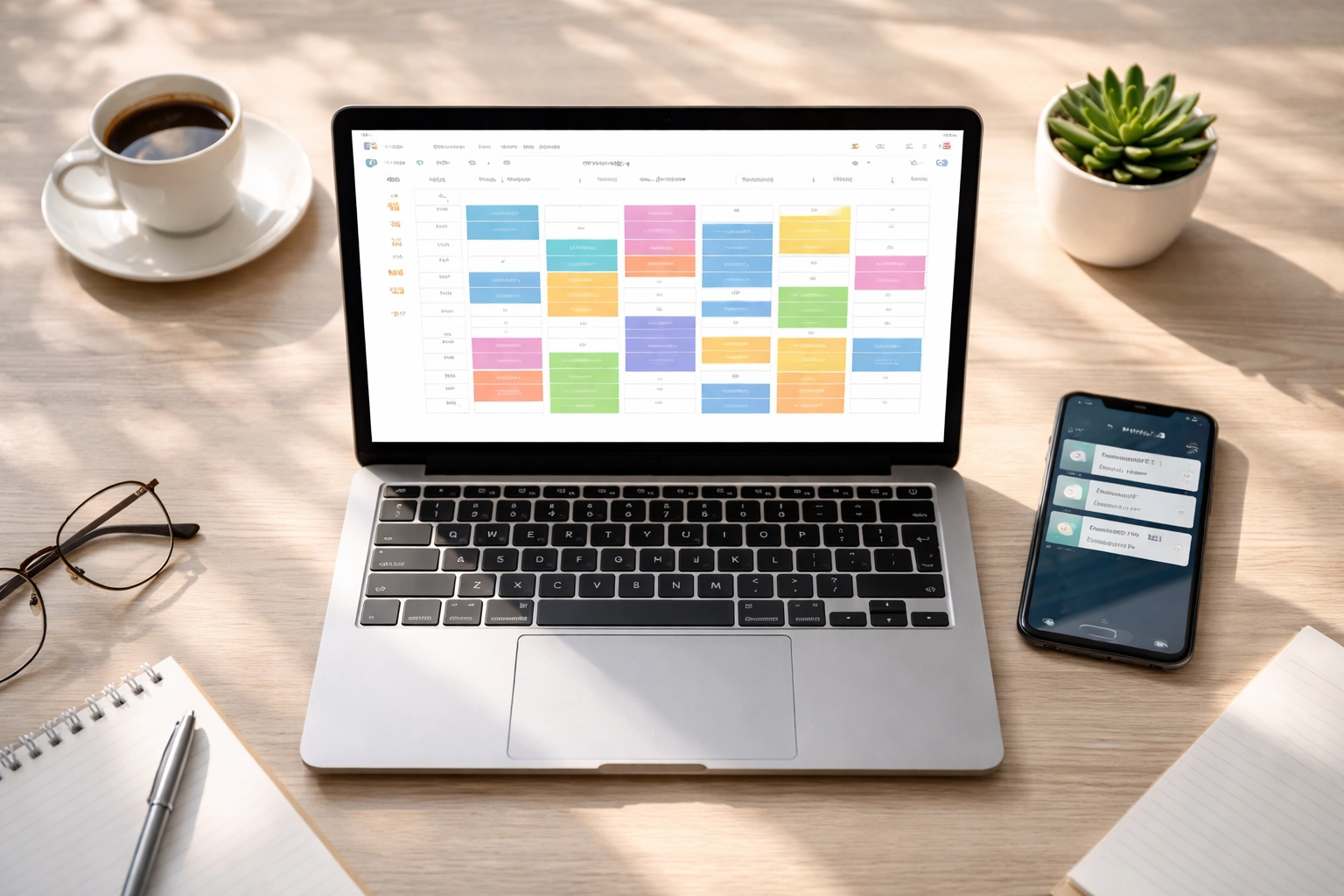
With properly configured appointment booking, that same employee opens the Employee Center, selects their service need, views available time slots on an interactive calendar, and books their appointment in under two minutes. The transformation is immediate and measurable.

Core Capabilities That Drive Efficiency
The appointment booking system in ServiceNow Employee Center provides an omnichannel experience that I consider essential for modern organizations. Employees can access scheduling through multiple entry points, including quick links on the homepage and the My Active Items widget.
What Employees Can Do
The feature empowers employees with comprehensive self-service capabilities:
Schedule appointments by selecting preferred dates, times, and locations from an interactive calendar
View appointment history including upcoming and previous appointments for complete visibility
Reschedule or cancel existing appointments when circumstances change
Provide feedback after appointments conclude, enabling continuous service improvement
Select contact preferences for notifications via email or text
This unified approach allows employees to schedule appointments for various business needs: IT support, HR services, tech lounges, and specialized service centers: without navigating different systems.
On-Site and Remote Flexibility
The system supports both physical and virtual appointments, including Microsoft Teams call options. This flexibility proves invaluable for distributed workforces where employees may need remote IT support one day and in-person HR consultation the next.
Mastering Appointment Booking Configuration
Here is where strategic configuration separates adequate implementations from exceptional ones. I will guide you through the essential settings that maximize the appointment booking experience.
Time Slot Duration
Configure appointment window lengths based on actual service requirements. A quick password reset might need only 15 minutes, while laptop repair could require a full hour. Matching duration to service type prevents both rushed appointments and wasted calendar space.
Pro tip: Analyze historical ticket resolution times to inform your duration settings. Data-driven configuration yields superior outcomes.
Lead Time Settings
Lead time defines how far in advance appointments can be booked. The default is 4 hours, which works for many scenarios. However, services requiring preparation: such as specialized equipment setup or document review: may demand longer lead times.
Consider your service teams' workflows when setting this parameter. Insufficient lead time creates chaos; excessive lead time reduces scheduling flexibility.
Booking Window Configuration
The booking window determines how many days in advance employees can schedule appointments. The default 14-day window balances accessibility with manageable planning horizons.
For high-demand services, a shorter window may prevent employees from booking too far ahead and then canceling. For services with limited availability, a longer window gives employees better options.
Daily Schedule Parameters
Configure bookable days (default Monday-Friday) and work hours (default 9:00 AM to 6:00 PM) to match your organization's operations. Don't overlook break configuration: enabling scheduled breaks within each bookable day prevents back-to-back appointments that exhaust service teams.
Reschedule and Cancel Buffers
Requiring minimum notice before cancellation or rescheduling (default 4 hours) respects service team time while maintaining employee flexibility. This buffer prevents last-minute disruptions that leave appointment slots unfilled.
Appointment Categories and Service Alignment
Strategic category configuration determines which service types and reasons trigger appointment booking availability. This requires careful analysis of your service catalog and employee needs.

Mapping Services to Appointments
Not every service request warrants an appointment. Password resets might be better handled through automated workflows. Complex hardware issues, however, benefit enormously from scheduled face-to-face time.
I recommend categorizing services into three buckets:
Automation candidates – Simple requests that technology can resolve without human intervention
Appointment-worthy services – Issues requiring dedicated time, equipment access, or in-depth consultation
Hybrid services – Requests that may escalate to appointments based on complexity
This framework ensures appointment slots remain available for services that genuinely require them.
Cross-Department Implementation
Appointment booking works across multiple departments beyond IT. HR services benefit tremendously: benefits enrollment consultations, career development discussions, and policy clarifications all become more manageable with structured scheduling.
Consider expanding appointment booking to:
IT support for hardware repairs, software installations, and technical consultations
HR services for benefits questions, onboarding sessions, and employee relations matters
Facilities for workspace modifications and equipment requests
Finance for expense report assistance and procurement guidance
Location and Time Zone Precision
When configuring appointment booking with locations, precision matters. The Location field must align between the appointment booking configuration and the Walk-up Location Queue form: this determines the time zone displayed in the scheduling calendar.
For organizations spanning multiple time zones, this alignment prevents the confusion of employees booking appointments at what they believe is 2:00 PM local time, only to discover the system scheduled them for 2:00 PM in a different time zone.
If location preferences are not configured at the user level, the system defaults to the user's time zone. This behavior works well for remote employees but requires attention when physical location appointments are involved.

Measuring Success and Continuous Improvement
Implementing appointment booking is not a one-time project: it demands ongoing optimization. Track these metrics to ensure your configuration delivers maximum value:
Booking completion rate – What percentage of employees who start the booking process complete it?
No-show rate – Are cancellation buffers and reminders working effectively?
Time to appointment – How quickly can employees get the help they need?
Post-appointment satisfaction – What does feedback reveal about service quality?
These metrics illuminate opportunities for refinement. High no-show rates might indicate insufficient reminder notifications. Low satisfaction scores might reveal duration settings that don't match actual service needs.
How SnowGeek Solutions Elevates Your Implementation
Configuring appointment booking effectively requires more than technical knowledge: it demands understanding of organizational workflows, employee expectations, and ServiceNow best practices. At SnowGeek Solutions, I have guided numerous organizations through implementations that transform scheduling from a pain point into a competitive advantage.
Our approach combines technical expertise with strategic consulting. We don't just configure settings; we analyze your service delivery model, map employee journeys, and design appointment booking experiences that drive measurable improvements in satisfaction and efficiency.
Taking the Next Step
Seamless scheduling through ServiceNow Employee Center represents a significant opportunity to elevate employee experience while streamlining service delivery. The configuration options provide tremendous flexibility, but that flexibility requires thoughtful implementation to realize its full potential.
Whether you're implementing appointment booking for the first time or optimizing an existing configuration, the principles outlined in this guide provide a foundation for success. Start with clear service categorization, configure settings based on actual operational needs, and commit to continuous improvement through metrics analysis.
The employees who benefit from frictionless scheduling: and the service teams who gain predictable, manageable workloads: will demonstrate the value of getting this right. Visit SnowGeek Solutions to explore how we can help you master appointment booking and transform your employee experience.
Comments