
Elevating the Employee Experience: A Look at the HR Triaging Dashboard in ServiceNow Yokohama
- SnowGeek Solutions
- Jan 20
- 5 min read

The way HR teams manage employee requests has undergone a dramatic transformation. I have witnessed firsthand how organizations struggle with overwhelming case volumes, misrouted inquiries, and frustrated employees waiting days for simple answers. The reality is stark: your employee experience directly impacts retention, productivity, and ultimately, your bottom line.
With the ServiceNow Yokohama release, a game-changing feature has arrived that addresses these challenges head-on. The HR Triaging Dashboard represents a fundamental shift in how HR agents visualize, prioritize, and resolve employee cases. At SnowGeek Solutions, we have been helping organizations harness the full potential of ServiceNow HRSD, and this new capability is something every HR leader needs to understand.
This guide will walk you through everything you need to know about the HR Triaging Dashboard, why it matters for your ServiceNow employee experience strategy, and how SnowGeek ensures you extract maximum value from every Yokohama release feature.
Understanding the HR Triaging Dashboard
Think of the HR Triaging Dashboard as your HR team's command center. Before this feature, HR agents often juggled multiple screens, struggled to see workload distribution, and spent precious time figuring out who should handle which case. The dashboard eliminates these inefficiencies entirely.
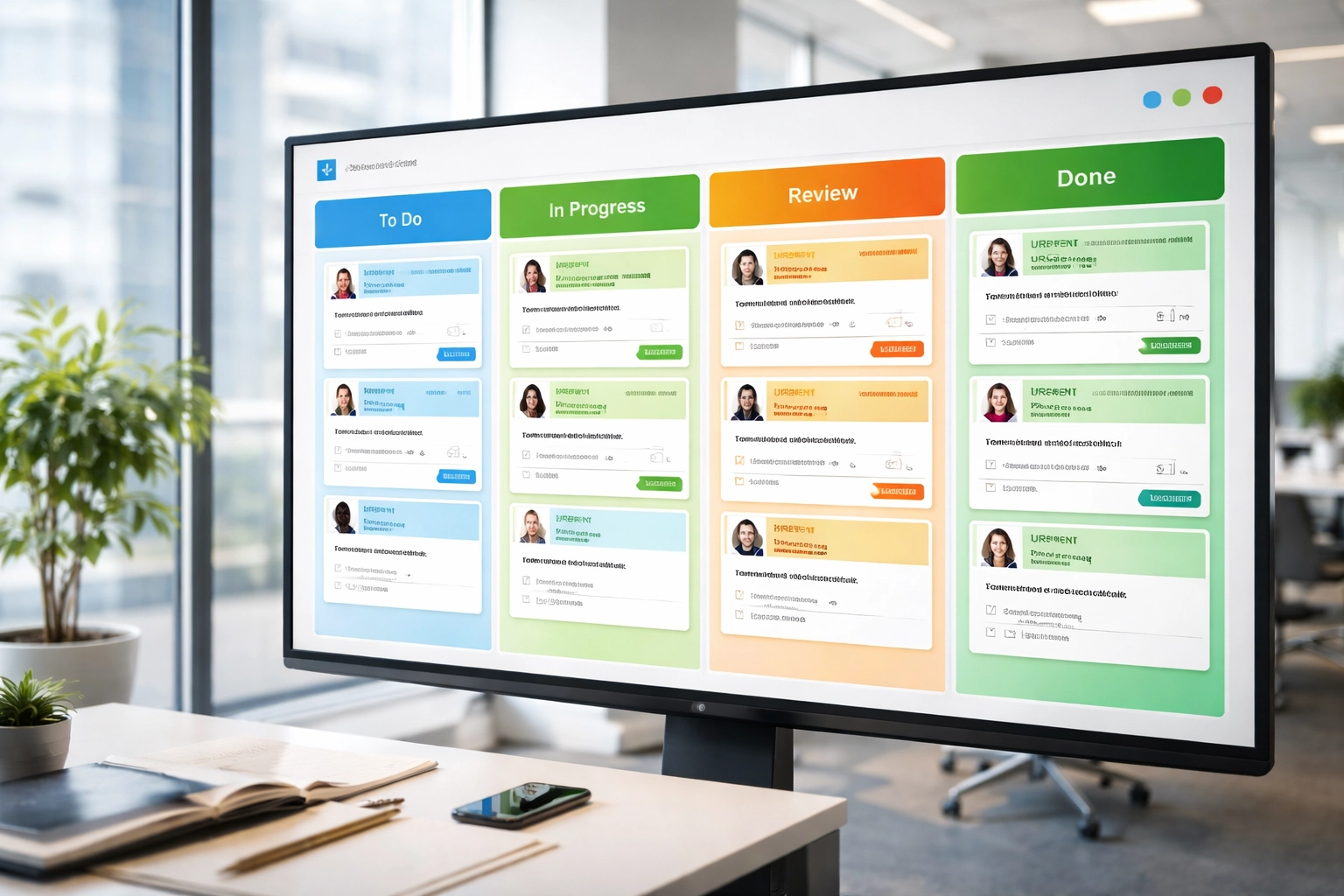
The HR Triaging Dashboard operates like a Kanban board specifically designed for HR case management. Cases appear as individual cards organized into vertical lanes, giving your team an instant visual snapshot of their entire workload. No more digging through lists or wondering where a case stands in the queue.
Here's what makes this feature truly transformative:
Visual case organization: Cases are displayed as cards that can be arranged by HR Service, assignment group, or priority level
Drag-and-drop functionality: Agents can reassign cases, change priorities, or transfer ownership with a simple drag motion
Real-time workload visibility: Managers see exactly how work is distributed across their team at any moment
In-dashboard commenting: Agents update case notes and communicate with employees without switching screens
The beauty of the Yokohama release features like this one lies in their immediate impact. The triaging dashboard activated automatically with the upgrade: no complex configuration required. For organizations running HR Case Management 4.0 within Agent Workspace, this capability was ready to use from day one.
Why Visual Case Management Changes Everything
I often tell clients that the difference between good and great HR service delivery comes down to visibility and speed. The HR Triaging Dashboard delivers both.
Consider a typical Monday morning in your HR department. Sarah from Finance submitted a benefits question on Friday. Mark from Engineering needs help with a transfer request. Three new hires are waiting for onboarding updates. Without proper visibility, these cases sit in queues, sometimes assigned to agents who are out sick or overwhelmed with other priorities.
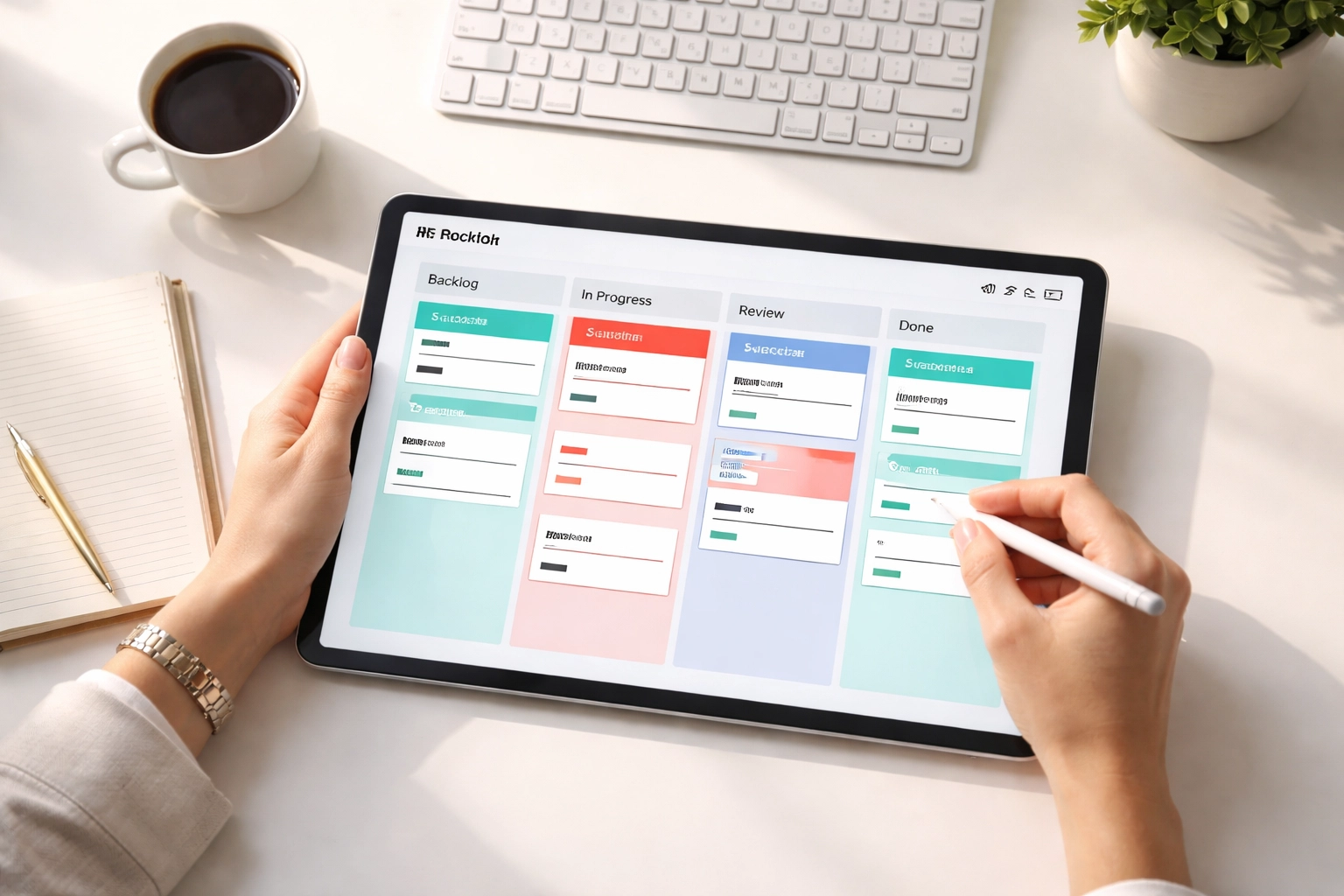
With the HR Triaging Dashboard, an HR manager logs in and immediately sees the full picture. They notice that one agent has fifteen cases while another has only three. A quick drag-and-drop redistributes the workload. They spot a high-priority case that was incorrectly categorized and transfer it to the specialized team that can actually resolve it. All of this happens in seconds, not hours.
The ServiceNow employee experience improves dramatically when response times shrink and cases reach the right people faster. Employees feel heard. They trust that HR is working on their behalf. That trust translates into engagement, loyalty, and a workplace culture that attracts top talent.
Key Capabilities That Drive HR Efficiency
Let me break down the specific features that make the HR Triaging Dashboard essential for modern HR operations.
Flexible Lane Configuration
Your HR department isn't identical to anyone else's. The dashboard recognizes this by allowing lanes to be configured based on your specific criteria. Organize by HR Service type: payroll, benefits, employee relations: or by assignment group, or by priority level. The flexibility ensures the dashboard adapts to your workflow, not the other way around.
Seamless Case Transfers
Generic HR inquiries often land in the wrong place. An employee selects "General HR Question" when they really need specialized support from the compensation team. The HR Triaging Dashboard makes transfers effortless. Agents identify miscategorized cases and route them to the appropriate HR service without the typical back-and-forth that frustrates everyone involved.
Team Workload Management
When an agent calls in sick, their cases don't disappear. Managers use the dashboard to quickly identify which cases need reassignment and distribute them among available team members. This ensures continuity of service regardless of unexpected absences.
Direct Communication
Updating employees on case status previously meant switching between applications. Now, agents add comments and communicate progress directly within the triaging view. This streamlined approach means faster updates and happier employees who feel informed throughout the process.
The SnowGeek Approach to HRSD Implementation
At SnowGeek Solutions, we don't just implement ServiceNow HRSD: we transform how your HR organization operates. The HR Triaging Dashboard exemplifies why working with a dedicated ServiceNow partner matters.

Here's how we ensure clients maximize value from features like the Yokohama release delivers:
Strategic Configuration: While the dashboard activates automatically, optimizing it for your specific HR structure requires expertise. We analyze your case types, team structure, and service catalog to configure lanes that make intuitive sense for your agents.
Workflow Integration: The dashboard doesn't exist in isolation. We connect it with your broader HR service delivery workflows, ensuring that triaging leads to automated routing, proper escalation paths, and consistent service level adherence.
Training and Adoption: Technology only delivers value when people use it effectively. Our implementation includes comprehensive training that helps HR agents and managers embrace the visual management approach and leverage every capability.
Continuous Optimization: After go-live, we monitor how your team uses the dashboard, identify bottlenecks, and recommend adjustments that further improve efficiency.
Why Staying Current With ServiceNow Releases Matters
The ServiceNow platform evolves rapidly. Twice a year, major releases introduce capabilities that can fundamentally improve how your organization operates. The Yokohama release features represent months of innovation designed to solve real business challenges.
Organizations that fall behind on releases miss out on these improvements. Worse, they accumulate technical debt that makes future upgrades increasingly difficult. The HR Triaging Dashboard is just one example of innovation you access by staying current.
SnowGeek Solutions specializes in helping clients navigate the upgrade process smoothly. We assess your customizations, test compatibility, and ensure new features activate properly. Our clients move from release to release confidently, knowing they're always positioned to leverage the latest capabilities.
Transforming Your HR Service Delivery
The employee experience has become a critical differentiator for organizations competing for talent. How quickly and effectively your HR team responds to employee needs shapes perception of your entire company.
The HR Triaging Dashboard in ServiceNow Yokohama provides the visibility and efficiency tools HR teams need to excel. Visual case management, flexible organization, seamless transfers, and direct communication capabilities combine to create a triaging experience that benefits agents and employees alike.
At SnowGeek Solutions, we have guided numerous organizations through HRSD implementations that deliver measurable improvements in resolution times, employee satisfaction, and HR agent productivity. The HR Triaging Dashboard represents exactly the kind of feature we love helping clients adopt: powerful, practical, and immediately impactful.
Ready to elevate your ServiceNow employee experience? Whether you're planning a Yokohama upgrade, implementing HRSD for the first time, or looking to optimize your existing configuration, SnowGeek Solutions brings the expertise you need. Visit SnowGeek Solutions to start a conversation about transforming your HR service delivery.
Comments