
Clean and Lean: Mastering Portal Management in the ServiceNow Xanadu Release
- SnowGeek Solutions
- 1 day ago
- 5 min read

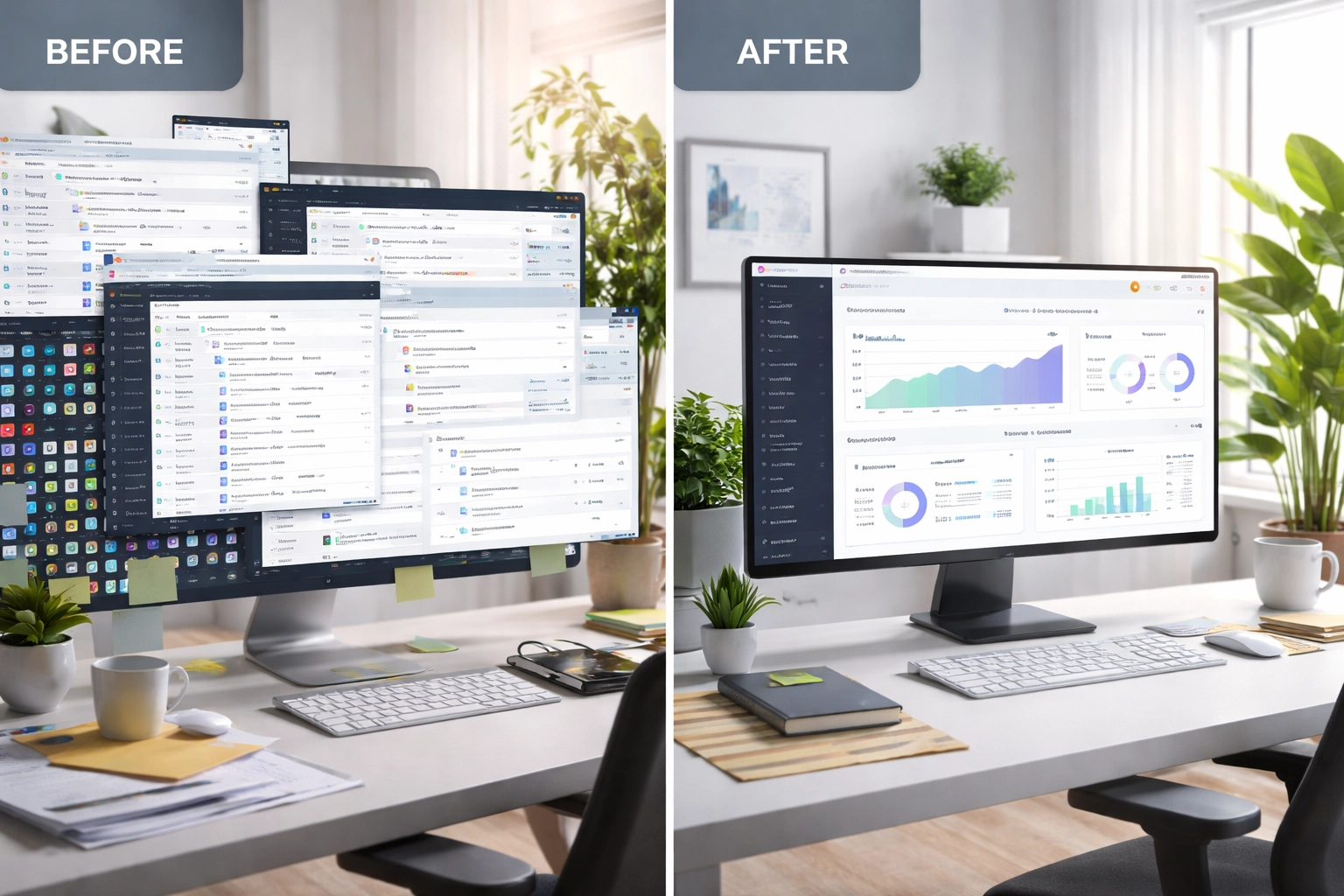
Over the years, I have witnessed firsthand how organizations struggle with portal sprawl in their ServiceNow environments. What starts as a well-intentioned initiative to serve different user groups quickly becomes a tangled web of underutilized portals, redundant configurations, and performance bottlenecks. The ServiceNow Xanadu release brings powerful new capabilities that make portal management not just easier, but genuinely transformative for system performance and user experience.
This guide will walk you through the essential strategies for maintaining a clean, lean, and high-performing portal ecosystem. Whether you're managing a single Service Portal or juggling multiple Employee Center configurations, these best practices will help you maximize your ServiceNow investment while delivering seamless experiences to your users.
Why Portal Management Matters More Than Ever
Let me be direct: neglected portals are silent killers of system performance. Every inactive portal sitting in your instance consumes resources, creates security vulnerabilities, and complicates upgrade paths. I've seen organizations with dozens of abandoned portals wondering why their ServiceNow environment feels sluggish.
The Xanadu release acknowledges this reality by introducing enhanced portal management features that give administrators unprecedented control over their portal landscape. The ability to deactivate portals and optionally redirect users is no longer a workaround, it's a built-in, supported capability designed for exactly this purpose.
System performance optimization demands a proactive approach to portal governance. When you maintain only the portals you need, you're not just cleaning house, you're creating the foundation for operational excellence.

Understanding the Xanadu Portal Management Enhancements
The ServiceNow Xanadu release delivers several critical improvements to portal management that every administrator should understand and leverage.
Service Portal Improvements
Service Portal received meaningful updates in Xanadu, including the streamlined ability to deactivate a portal and optionally redirect users to an alternative destination. This feature alone represents a significant step forward in portal lifecycle management. Previously, deactivating portals required manual intervention and often left users stranded at broken URLs.
Now, you can gracefully sunset outdated portals while ensuring users land exactly where they need to be. This capability is essential for organizations consolidating their portal strategy or transitioning users to newer, more capable interfaces like Employee Center.
Employee Center Portal Enhancements
The Employee Center received particular attention in Xanadu, with features designed to streamline both the administrative experience and end-user interactions:
Simplified, Touch-Friendly Design: The Employee Center Pro kiosk portal introduces a design philosophy that prioritizes accessibility and ease of use. This touch-friendly interface is far more simplified compared to the full portal experience, making it ideal for shared workstations and high-traffic environments.
Dedicated Kiosk Portal: Rather than forcing administrators to customize the standard Employee Center for kiosk use cases, Xanadu provides a separate portal built specifically for these scenarios. This separation of concerns allows for cleaner configurations and more targeted user experiences.
Guided Self-Service Experiences: Touch-friendly, Q&A-based experiences are now available for both kiosk and standard Employee Center portals. These guided journeys can be configured through the process automation designer, giving you powerful tools to reduce friction and improve resolution rates.
Portal Feedback Capabilities: Administrators can now configure feedback or survey widgets directly on portal pages, enabling continuous improvement based on real user input.

Best Practices for Deactivating Unused Portals
Portal deactivation requires strategic foresight and careful execution. Here's my proven approach for cleaning up your portal environment without disrupting business operations.
Step 1: Conduct a Comprehensive Portal Audit
Before you deactivate anything, you need complete visibility into your current state. I recommend documenting every portal in your instance, including:
Portal name and URL suffix
Primary user audience
Last significant update date
Monthly unique visitor count
Integration dependencies
Custom widgets and themes
This audit reveals which portals are candidates for deactivation and which require further attention. You'll often discover portals that nobody remembers creating, serving audiences that no longer exist.
Step 2: Analyze Usage Patterns
Raw visitor counts tell only part of the story. Dig deeper into how users interact with each portal:
Which pages receive the most traffic?
Where do users drop off or encounter errors?
Are users completing their intended tasks?
How does usage vary across departments or locations?
Low usage doesn't automatically mean a portal should be deactivated. A portal serving a small but critical audience: executive dashboards, for instance: may be essential despite modest traffic numbers.
Step 3: Plan User Transitions
For portals you've identified for deactivation, plan the user transition carefully. Xanadu's redirect capability makes this straightforward, but communication remains essential:
Notify affected users well in advance
Provide clear guidance on where to find the services they need
Configure redirects to landing pages that acknowledge the change and guide users forward
Monitor redirect traffic to identify any users still attempting to access old URLs
Step 4: Execute with Precision
When you're ready to deactivate, follow a controlled process:
Set the portal to inactive status in a sub-production environment first
Validate that redirects function correctly
Test all integration points that may reference the portal
Promote the change to production during a low-traffic window
Monitor for unexpected issues in the days following deactivation

Performance Optimization Through Portal Consolidation
Consolidating your portal footprint delivers measurable performance benefits that extend far beyond simple housekeeping.
Reduced Instance Overhead
Every portal adds overhead to your instance: theme files, widget configurations, page definitions, and associated scripts. Removing unused portals eliminates this burden and allows your instance to allocate resources more efficiently.
Simplified Upgrade Paths
Upgrades become exponentially more complex when you're managing multiple customized portals. Each custom widget, each modified theme, each scripted configuration must be reviewed and potentially remediated. Fewer portals mean cleaner upgrades and faster time-to-value on new releases.
Enhanced Security Posture
Unused portals represent potential attack vectors. If they're not actively maintained, they may contain outdated components with known vulnerabilities. Deactivating these portals reduces your security surface area and simplifies compliance audits.
Focused Development Efforts
When your development team isn't maintaining multiple portal environments, they can focus their energy on making your primary portals exceptional. This concentration of effort drives better user experiences and higher adoption rates.
Building a Sustainable Portal Governance Framework
Cleaning up your current portal sprawl is only half the battle. Without proper governance, you'll find yourself in the same situation within a year or two.
Establish Portal Approval Processes
New portals should require business justification and architectural review. Before anyone creates a new portal, they should demonstrate:
Clear user audience and use case
Why existing portals cannot serve this need
Commitment to ongoing maintenance and ownership
Integration requirements and dependencies
Define Ownership and Accountability
Every portal needs an owner: someone accountable for its health, performance, and relevance. Document these assignments and review them regularly. When owners leave the organization, ownership must transfer explicitly.
Schedule Regular Reviews
I recommend quarterly portal reviews that examine usage trends, performance metrics, and alignment with organizational priorities. These reviews should have authority to recommend consolidation or deactivation when portals no longer serve their intended purpose.
Taking Action Today
The ServiceNow Xanadu release gives you the tools to transform your portal management approach. But tools alone don't drive results: deliberate action does.
Start with that comprehensive audit I described. Understand what you have, who uses it, and why it exists. From there, you can make informed decisions about consolidation, deactivation, and optimization.
At SnowGeek Solutions, we specialize in helping organizations achieve operational excellence through strategic ServiceNow consulting. Portal management is just one piece of the puzzle, but it's often the piece that unlocks broader performance improvements.
Your ServiceNow environment should be an asset, not a burden. Clean, lean portal management is how you get there.
Comments